
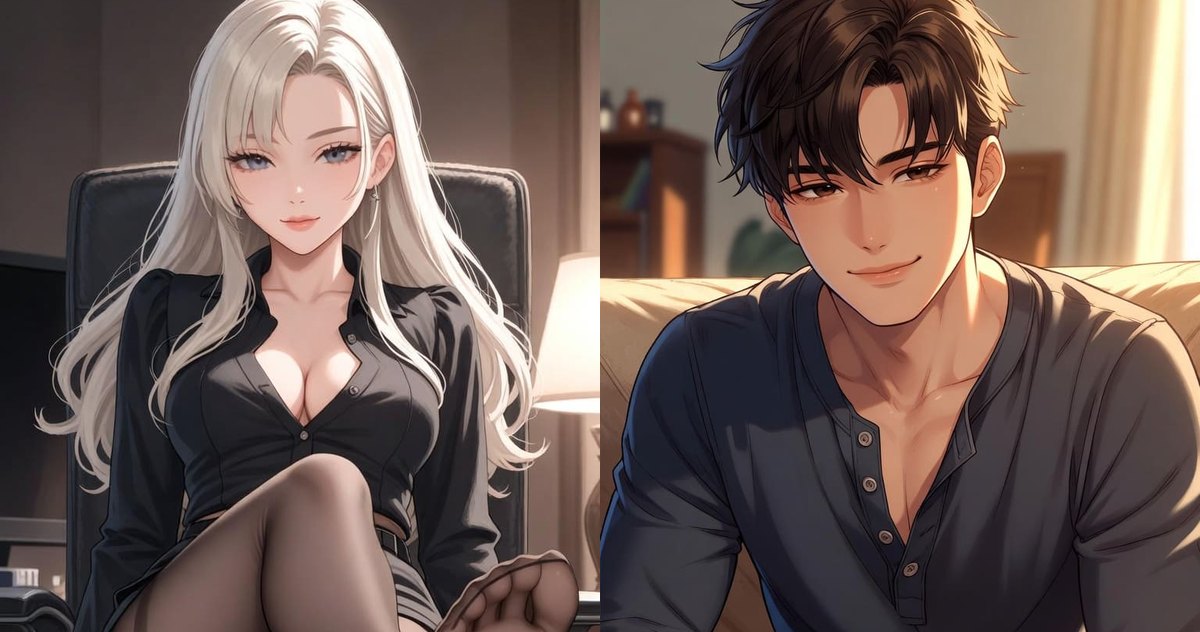
About me: characters know who they are talking to
Characters used to learn about you from the conversation, and every new chat started from zero. Now you can tell them about yourself once, in your profile.
What to write
Open your profile and the About me tab. Fill in your name, your age and how you come into the scene: as a guy, a girl or either. Below you can describe your looks, your personality and the way you talk, plus anything else worth knowing, like your job or the cat waiting at home.
Nothing is required. A name and a couple of lines about your looks are enough for her to stop guessing whether you are tall.
A different role for one chat
Sometimes you want to walk into a scene as someone else: a new assistant, a neighbor or an old friend. In the chat, open the ⋮ menu and tap You in this chat. Choose My profile, Custom role for this chat or No profile. A custom role stays in that chat, and your profile is not changed.
In group chat every character in the scene sees your profile, so they call you by name and get your pronouns right.
Who sees it
Only the character in your own chats reads your profile. Other players never see it. Everyone here is an adult, so the age starts at 18.
FAQ
Where do I fill in my profile?
In your profile, on the About me tab.
Can I be someone else in one chat?
Yes. In the chat open ⋮ → You in this chat → Custom role for this chat.
Can other players see my profile?
No. Only the character in your chats reads it.
When does the character use it?
From the next reply after you save.