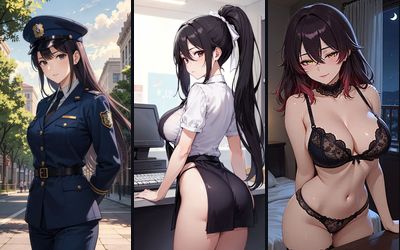

RPDATE Mini, GLM and KIMI: three new chat models
Chat settings now have more models to choose from. RPDATE Mini, RPDATE GLM and RPDATE KIMI each write in their own voice, so you can play the same scene in very different ways.
How they differ
RPDATE Mini is explicit and to the point. The character thinks aloud in ((brackets)) and stays true to her personality.
RPDATE GLM is the schemer. It keeps track of the plot and the details, teases, throws in twists and won’t give in on your first move.
RPDATE KIMI writes the most literary prose: long scenes, pauses, glances, and close detail of bodies and surroundings. It suits a slow-burn romance and detailed explicit scenes.
How to switch
Open a chat, go to Chat settings and expand How it replies. In the Model group, the new buttons sit next to Stable, Passion and Realism. Tap one, and the next reply comes from that model.
Each model has a short hint underneath. Your choice is remembered, and your conversation stays put when you switch.
Which one to pick
Try one scene on several models: send a move, regenerate the reply on another model and compare. Some players stick with fast Stable, some love detailed KIMI, and some stay on Mini.
FAQ
Where do I pick RPDATE Mini, GLM or KIMI?
In a chat, open Chat settings, expand How it replies and tap the model you want in the Model group.
Will I lose my chat if I switch models?
No. Your chat history stays, only the way the character replies from then on changes.
Do the new models work with my own characters?
Yes, with every character in the catalog and with the ones you build yourself.