Player profile: your level, medals and rank among players
Until now only character creators had a page. Now everyone who chats has one, even if you have never made a character.
What is on the page
At the top you see your RPDATE level and a bar to the next one. Next to it is the share of players you are ahead of, and a title that goes with that rank, from Newcomer to Legend.
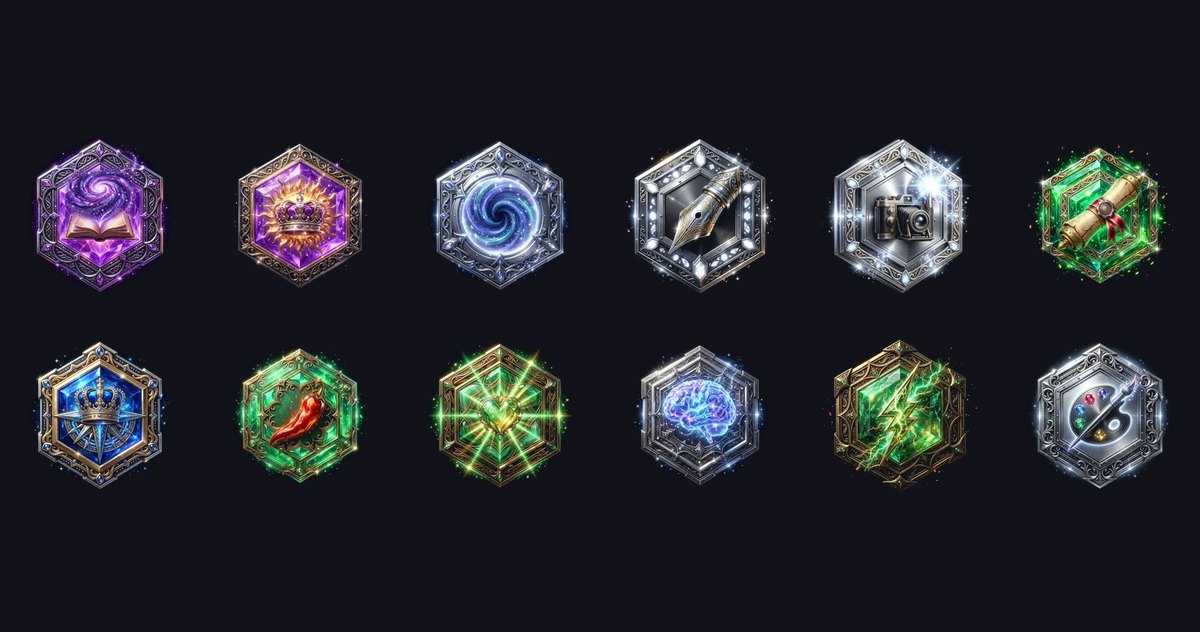
Below is your medal collection. Tap any medal and a window explains how to get it and how far you are. A new medal plays a short animation the next time you visit.
Activity and reactions
The year map shows the days you spent in chats: the brighter the square, the more messages. Other players can leave a reaction on your page, one per person.
Who sees what
Your chats, chat titles and the characters you talk to never appear on the page. If you have no public characters of your own, visitors see only the first letter of your name.
Want to hide the page completely? Turn off Public profile in the Privacy block and only you will see it.
Where to find it
Open your profile, go to Achievements and tap My player profile. If you have characters of your own, an Author tab sits next to it, but the page always opens on Player.
FAQ
Where is my player profile?
Profile → Achievements → My player profile.
Can other people read my chats?
No. The page shows only your level, medals, activity and totals.
How do I hide my profile?
Turn off Public profile in the Privacy block.
What does Top next to my level mean?
It is the share of players you are ahead of.