
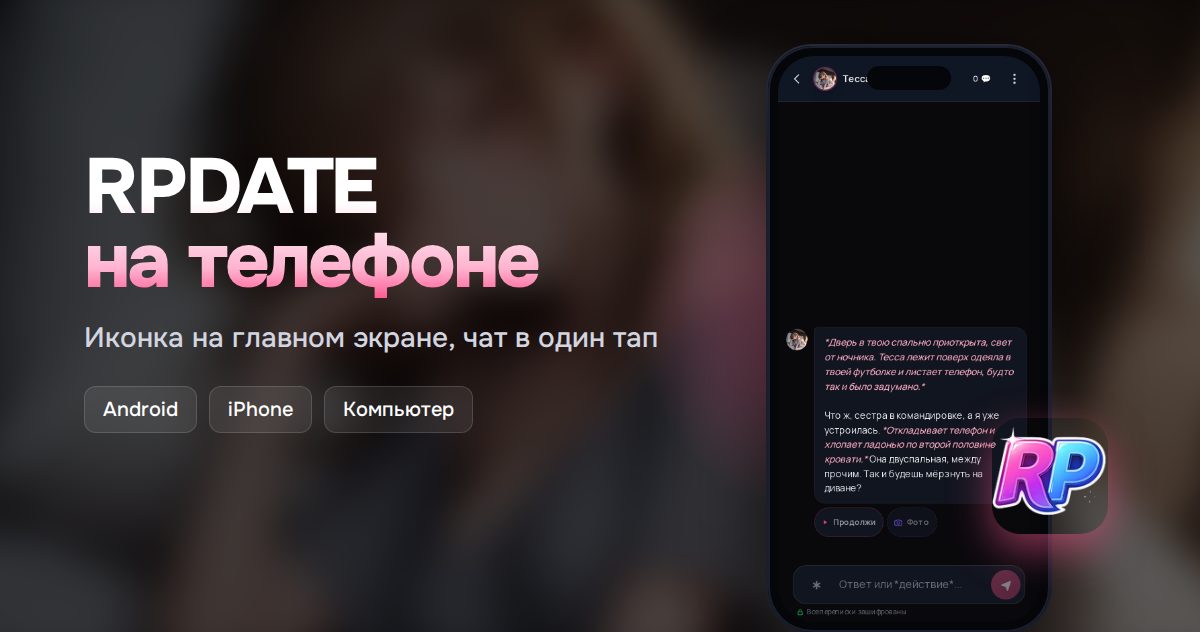
How to install RPDATE on your phone: Android and iPhone
RPDATE installs on your phone right from the website, no Google Play or App Store required. An icon appears on your home screen, and your chats open in one tap.
How to install
- Android: Chrome, Samsung Internet and others
Open rpdate.com and tap the site menu ☰ in the top right corner. Choose Install the app and confirm. If you don’t see it, open the browser menu ⋮ and pick Install app or Add to Home screen.
- iPhone and iPad: Safari
Open rpdate.com in Safari. Tap Share at the bottom of the screen, scroll down and choose Add to Home Screen, then Add. In other iPhone browsers the same option is in the Share menu too.
- Computer: Chrome and Edge
Click the install icon on the right side of the address bar. If it isn’t there, open ⋮ and find Install RPDATE. RPDATE opens in its own window and shows up in your Start menu or Dock.
Why it’s not in the app stores
RPDATE is an adult site, and app stores don’t allow apps like that. So you install it as a web app: your browser adds an icon to your home screen, and RPDATE opens in its own window without an address bar.
There’s nothing to update. New features show up on their own the next time you open it.
What you get
Your chats open full screen from the home screen in one tap, and replies arrive as notifications if you allow them.
FAQ
Is RPDATE on Google Play or the App Store?
No, 18+ sites aren’t allowed there. The real RPDATE installs only from rpdate.com.
Do I need to download an APK file?
No. Don’t download anything from third-party sites: you install through your browser in a couple of taps, no file needed.
Will my chats be saved?
Yes. The app uses the same account as the website, so your chats, balance and characters are all there. Just log in the same way as before.
How do I remove the app?
Like any other app: on Android, press and hold the icon and choose Uninstall; on iPhone, press and hold it and tap Remove App. Your account and chats stay.