Chat photos: art styles, new frame formats and deleting a shot
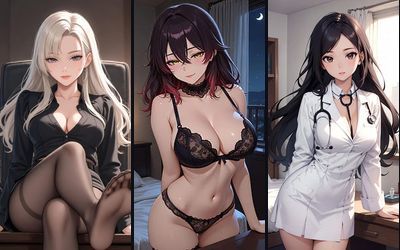
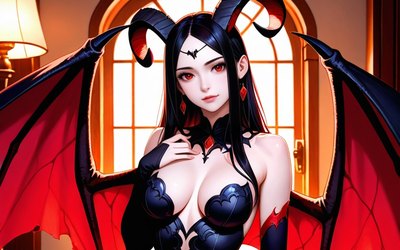
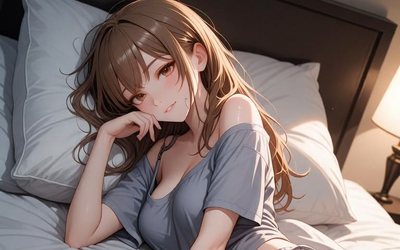
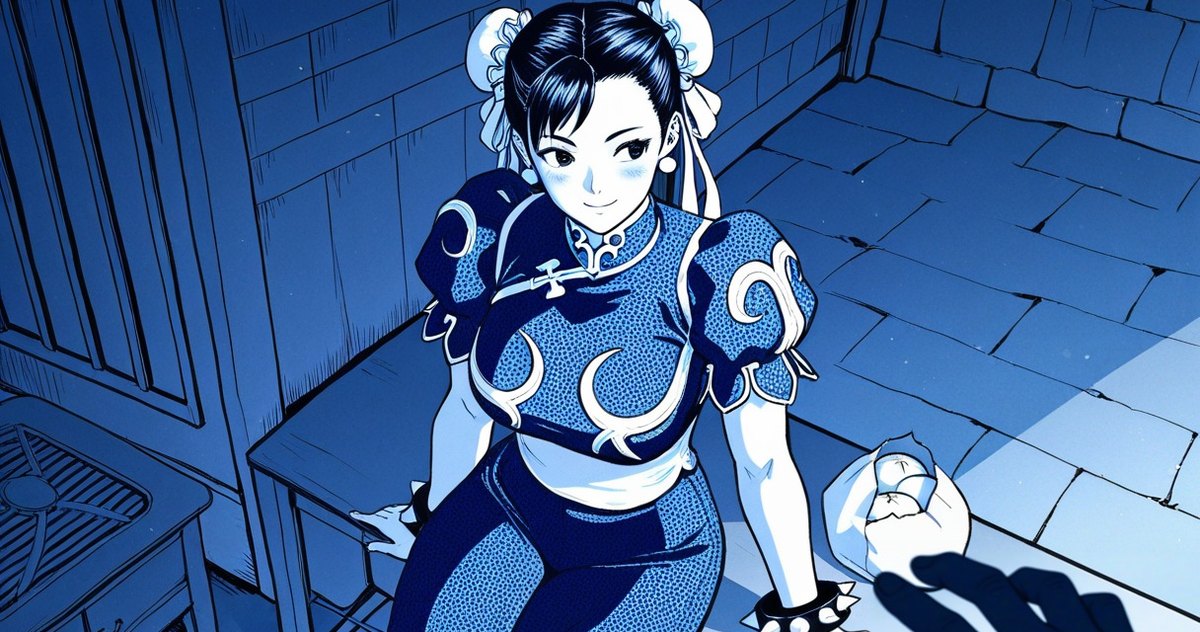
The same character can send a shot in 90s anime style or as a pencil sketch, full length or as a close portrait. You choose it all in chat settings.
Art style
Open chat settings and find Art style. You get manga, manhwa, comic, watercolor, oil paint, neon, pixel art and more, from soft semi-realism to realism. The style you pick sticks for every next photo in that chat.
Frame format
Right next to it is Frame. Portrait 4:5 and Story 9:16 are new, joining Square, Vertical 2:3 and Landscape. A tall frame shows her full length, a wide one suits a scene for two or a whole room.
Delete a bad shot
If a photo came out wrong, tap the trash icon in its top-right corner and confirm. The shot disappears from the conversation and from the gallery on the character’s card.
FAQ
Where do I pick the photo style?
In chat settings, under Art style.
Which photo formats are available?
Square 1:1, Portrait 4:5, Vertical 2:3, Story 9:16 and Landscape 3:2.
How do I delete a photo from the chat?
Tap the trash icon in the top-right corner of the photo and confirm.