
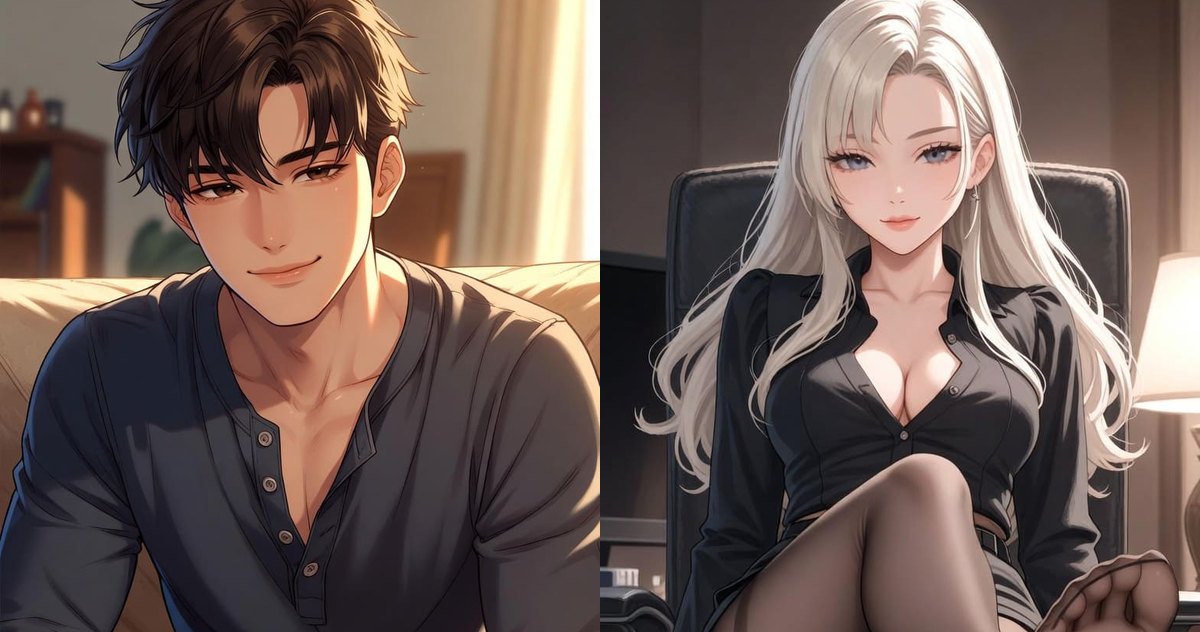
Up to five roles in your profile: choose who you are in each chat
In one chat you are her new neighbor, in another the captain of a ship. Each of those roles used to be written from scratch.
How to save a role
Open your profile, go to About me and scroll to Other roles. Tap Add a role, give it a name and describe it the way you would your profile: looks, personality and who you are in the scene.
How to pick it in a chat
In the chat open the ⋮ menu and tap You in this chat. Your saved roles are in the list next to your profile, and the choice applies from the next reply.
Edit a role in your profile and it updates in every chat where it is selected. Delete it and those chats go back to your regular profile.
FAQ
How many roles can I save?
Up to five, on the About me tab.
Where do I pick a role for a chat?
⋮ menu in the chat → You in this chat.
What happens to a chat if I delete the role?
It goes back to your regular profile.