Glossy: a new photo style in chat
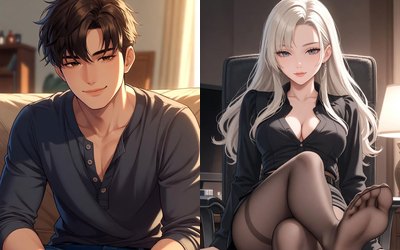
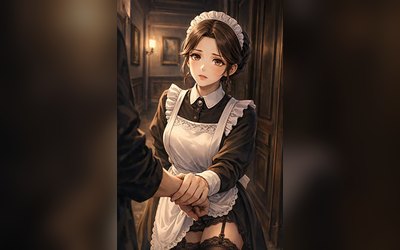
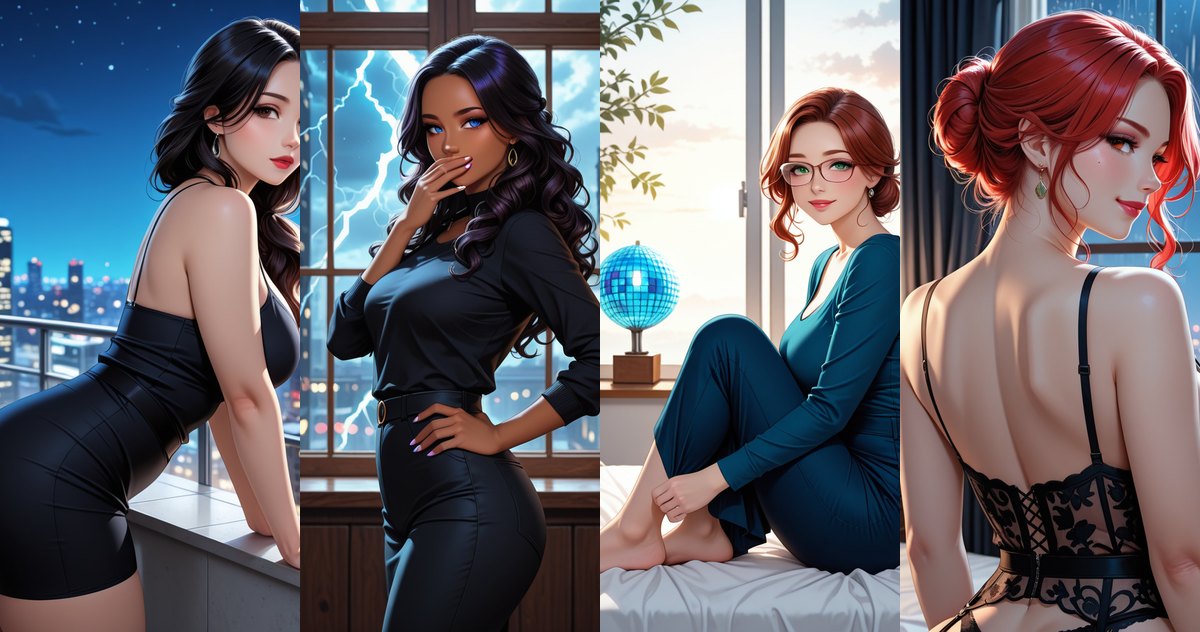
Sometimes you want a brighter picture, like an artbook cover. Chat settings now have a separate style for that.
Where to turn it on
In the chat open the settings, go to Photo & background, and under Photo generation style pick Glossy. The next pictures arrive in the new style. You can switch back in the same place with one tap.
What it looks like
Richer color, smooth skin and soft, warm light. Glossy looks best in portraits and full-body scenes where the outfit and the setting matter.
Where it works
The style works in regular chat and with your own characters. If it does not suit a scene, the picture comes in the usual style and you lose nothing.
FAQ
How do I turn on Glossy?
Chat settings → Photo & background → Photo generation style → Glossy.
Does it work with my own characters?
Yes.
How do I go back to the usual style?
Pick RPDATE Stable in the same place.